Know what needs attention
See incomplete purchase orders, validation conflicts, customer changes, and execution status without searching across disconnected queues.



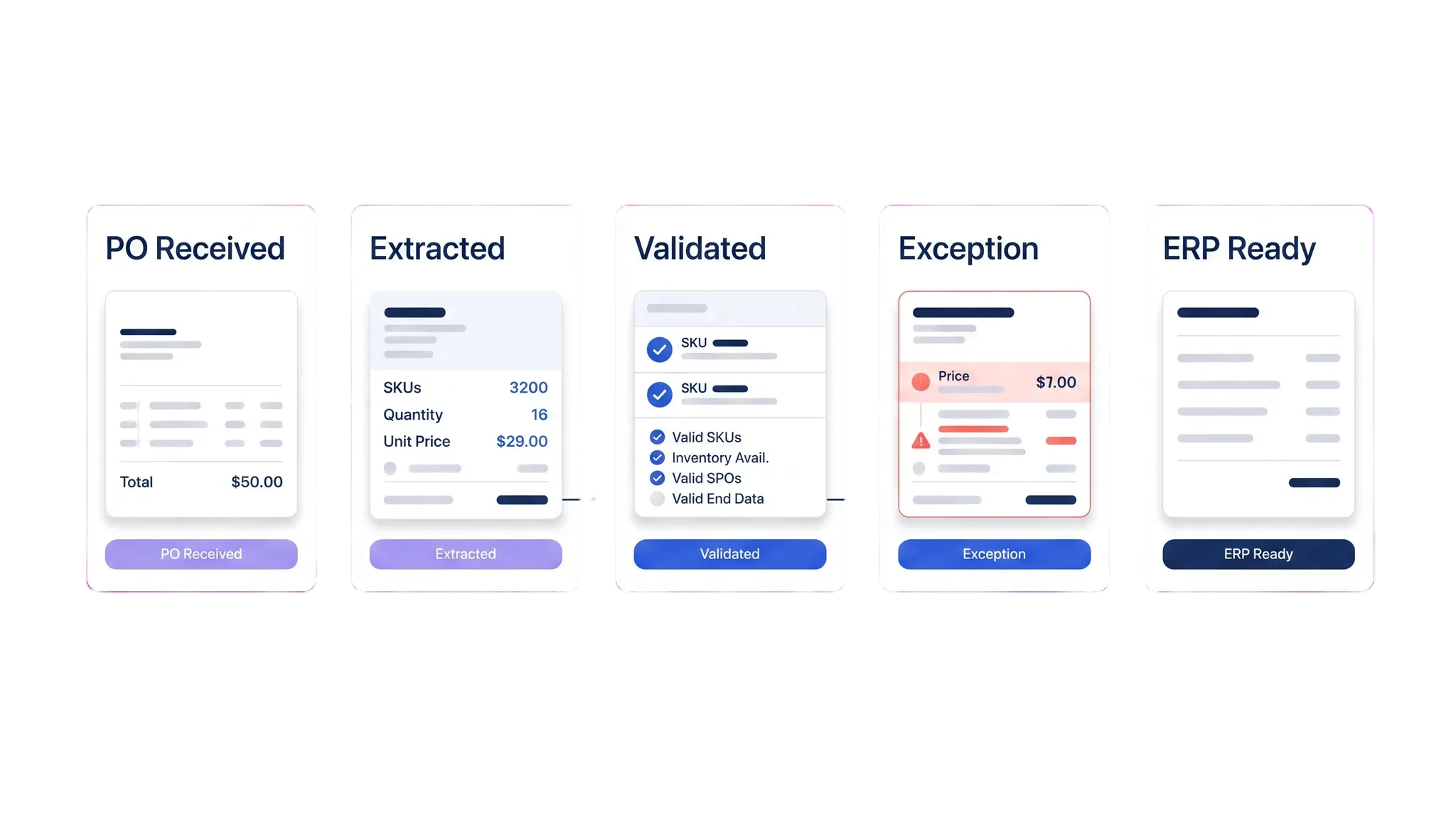
Serve captures purchase orders from the channels your customers use, validates the critical details, routes exceptions with context, and moves approved sales orders into execution.


See Serve automate sales orders
Walk through a real purchase-order flow and see Serve capture fields, validate the order, and route exceptions with the source context attached.
See incomplete purchase orders, validation conflicts, customer changes, and execution status without searching across disconnected queues.
Serve extracts purchase-order data, checks it against available customer and product records, and routes the next action to the right owner.
Keep the submitted order, validation results, approvals, acknowledgement, and ERP action connected through the workflow.
Order intake memory
Serve connects the original purchase order, extracted fields, validation results, customer context, and exception history. Each handoff starts with the information needed to act.
Validation and acknowledgement
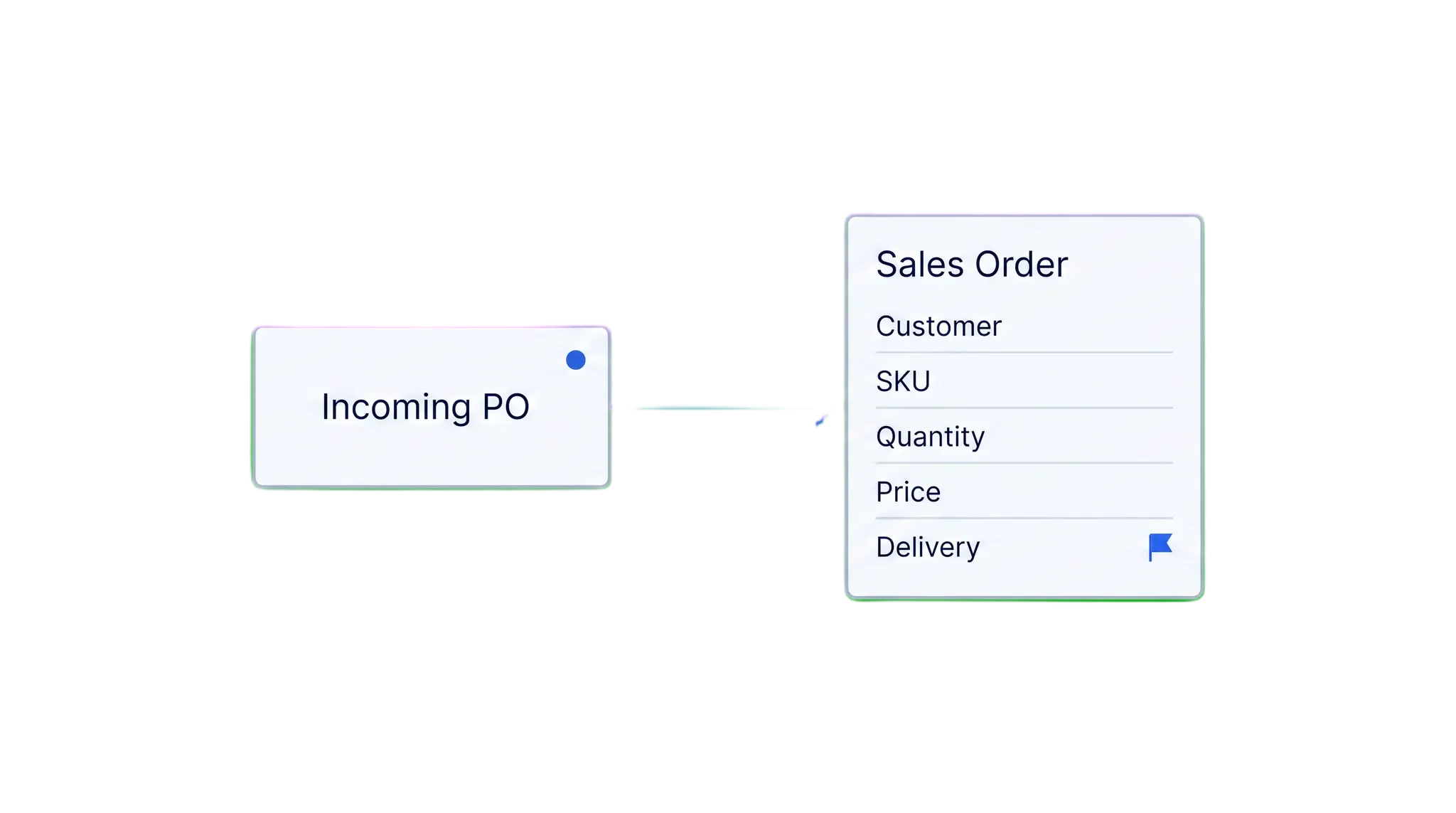
Serve checks customer, SKU, quantity, pricing, and delivery details against the operating records available to your team, then prepares a clear acknowledgement.
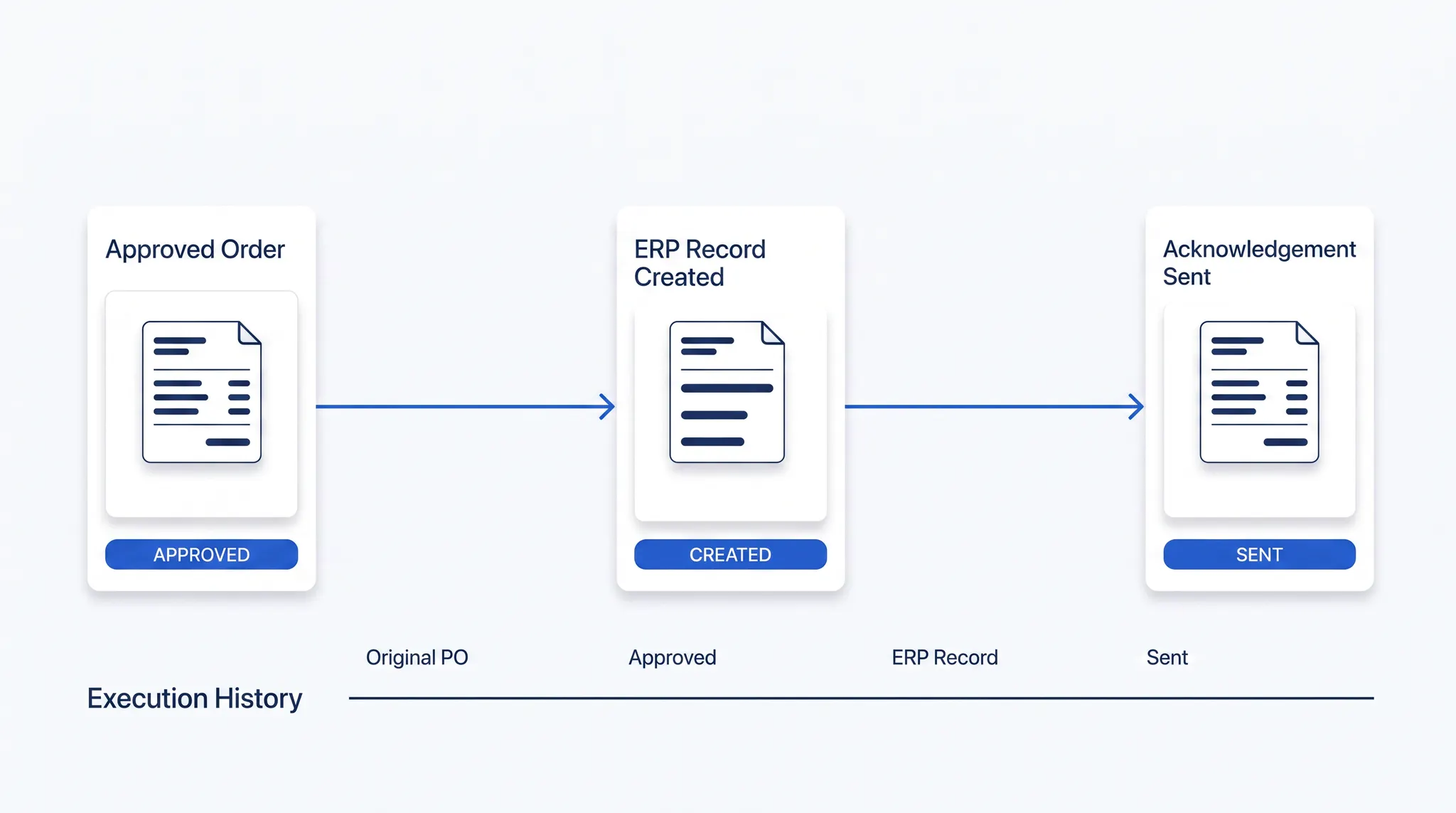
Execution history
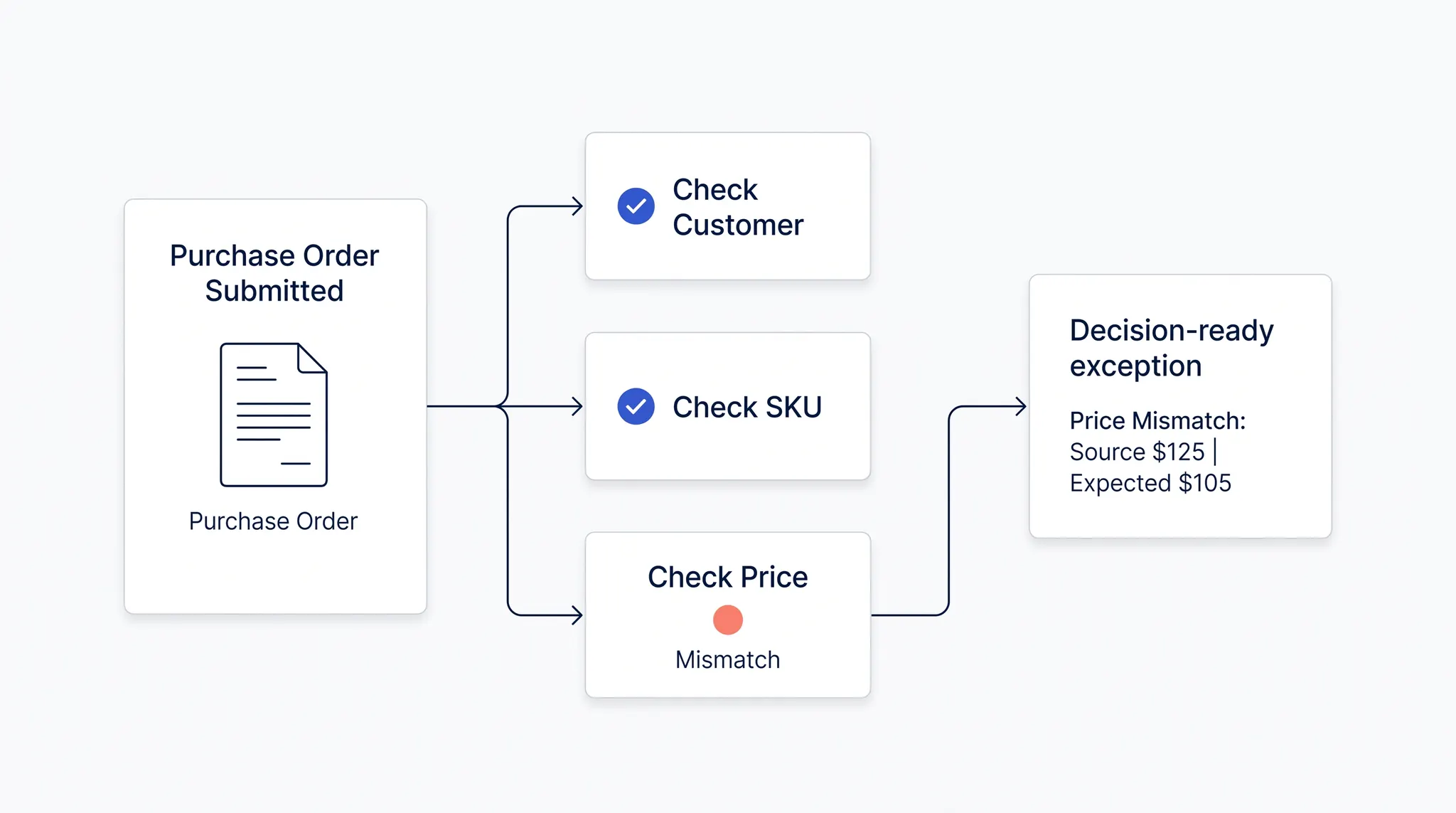
When an order changes, stalls, or needs approval, Serve keeps the submitted values, validation state, decision, ERP action, and customer acknowledgement together.
Exception priority
Serve separates routine order entry from the issues that need commercial or operational judgment, preserving the submitted values and validation context at every step.
Email · PDF · EDI · portal
Customer · SKU · price · date
Decision-ready owner queue
ERP entry · acknowledgement
Configure Serve around the order channels and business systems your team already uses. Available connections and methods depend on your deployment.
Bring incoming orders, validation results, exceptions, approvals, and ERP status into one view built around the work sales operations needs to finish.
Package the submitted values, validation conflict, business context, owner, and next step before an exception reaches the person who must resolve it.
Keep the outcome of every validation, approval, acknowledgement, and ERP update connected so recurring issues become easier to spot and handle.

Enterprise security


